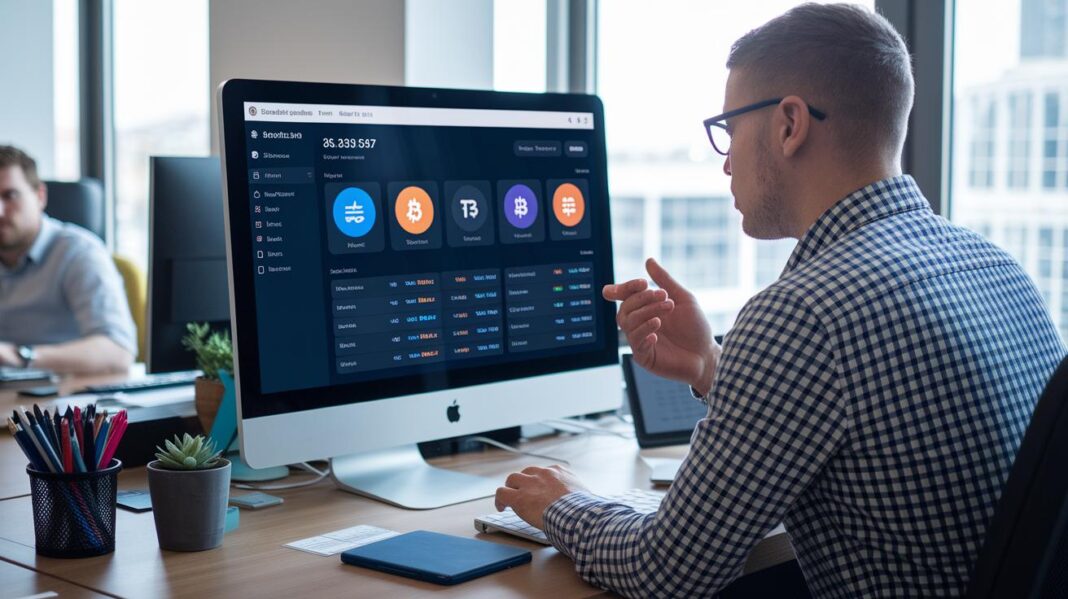
Have you ever wondered what happens when crypto moves in real time? Picture digital money flowing right before your eyes, like a live parade of coins.
A blockchain transaction tracker (a tool that shows live activity on a secure digital ledger) puts that magic into your hands. It displays wallet activity, fees, and confirmations as they happen.
It even gives you friendly alerts when something seems off so you can quickly notice changes in the market's pulse. This guide shows you how using this tool can keep you ahead by providing clear, instant data and a closer look at transactions that many big players already trust.
blockchain transaction tracker: Instant Data Clarity

Scorechain’s blockchain transaction tracker puts real-time digital data right in your hands. It works with popular coins like Bitcoin, Ethereum, and BNB Chain and scans the blockchain ledger (a digital record of transactions) so you can see wallet activity and money flows as they happen. You get a quick look at confirmations, fees, and who you're dealing with, making it feel like you’re watching the market pulse live.
The tool really stands out because it offers features that keep you one step ahead. It lets you set up custom risk scores and sends out alerts if something seems off during a review. Real-time notifications inform you of big transfers or any suspicious moves, much like having a trusted helper checking the details. Over 250 organizations across more than 40 countries , including crypto exchanges, banks, and law enforcement , rely on this tracker. They love it not just for the live updates but also for the deep dive into past transactions and counterparty risks. So if you’re monitoring a large fund flow or an important transaction, you’ll get immediate alerts along with a full picture. By mixing live tracking with smart alerts and detailed wallet checks, this tool helps you keep a clear view on the market.
Comparing Leading Decentralized Ledger Explorers and Tracker Tools
When choosing a tool for tracking transactions, it’s best to think about what you really need. Some tools simply show whether a transaction went through, block details, and wallet balances. Others dig deeper, offering insights like compliance checks and counterparty risks. Here, we look closely at four popular tools, Etherscan, Blockchain.com Explorer, Blockchair, and Scorechain, to help you find the one that fits you best.
Etherscan is made just for Ethereum. It shows you transaction status, block info, and wallet balances in a clear and friendly way. Its free plan covers the basics, so if you only care about Ethereum, it’s a solid choice.
Blockchain.com Explorer works with several blockchains. Its simple design lets you check transactions and block details across different cryptocurrencies. While it sticks to the basics without extra risk checks, it’s great if you want quick data in a straightforward format.
Blockchair ups the game with support for many chains and smart search options. You can even export data and run technical ledger checks. If you need to compare multiple transactions or sift through lots of data, Blockchair makes it easy to get more detailed insights.
Scorechain goes further by mixing raw data with smart alerts. It doesn’t just list transactions; it also flags compliance issues and analyzes counterparty risk. With features like multi-asset analytics and audit-ready reports, Scorechain is ideal if you need deep insights into transaction behavior.
In short, if you just need to keep an eye on basic transactions, a simple explorer will do the job. But if you’re after a detailed look at risks and compliance, advanced tools like Scorechain could be the better option.
Step-by-Step Guide to Using a Blockchain Transaction Tracker
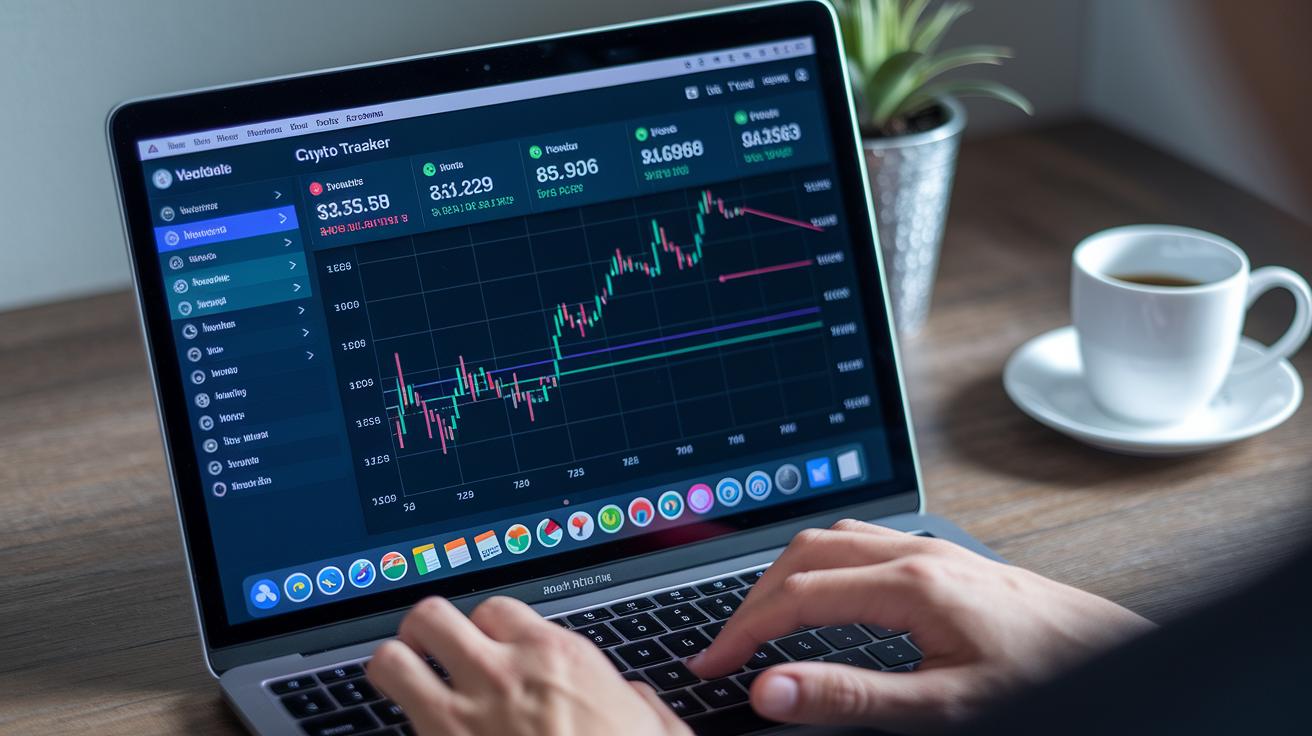
When you open up the tracker dashboard, you’ll notice it’s designed to make transaction details really easy to spot. Start by setting up your workspace, simply connect your wallet or import your addresses to jump right in. Next, follow the prompts by entering a transaction hash or wallet address, which gives you a clear look at details like timestamps, fees, and confirmations.
You can also explore token transfers, check out smart contract interactions (for example, see smart contracts blockchain at https://nftcellar.net?p=241), and review decentralized finance activities. This tool turns raw numbers into friendly insights so that tracking quick transfers and big moves feels effortless.
- Sign up and log in.
- Connect your wallet or import your addresses.
- Choose the blockchain you want to check.
- Enter your transaction hash or wallet address.
- Look over the details like fees, confirmations, and the people or entities involved.
- Decode token transfers and smart-contract calls (for more info on smart contracts, visit https://nftcellar.net?p=241).
- Set up real-time alerts for things like unconfirmed payments, high-value transfers, or risk markers.
- Export your data or create an audit report.
Exporting and sharing these detailed reports is great for compliance reviews or if you need to provide a full history of transactions to stakeholders. Each step is clear and recorded, so you can trust that your crypto transfers are tracked in a way that makes sense, keeping you confident and in control.
Ensuring Security and Compliance with Transaction Tracking

Scorechain’s latest update now comes with smart compliance tools that boost transaction security. The platform uses simple risk scoring (a quick way to spot risky activity) to highlight high-risk contacts and potential issues with international sanctions. It also screens wallets to block shady fund movements and prevent money-laundering risks.
Clear, audit-ready reports break down every step, making digital asset investigations straightforward. Real-time alerts let you know right away when suspicious or large transfers happen. In short, this unified system makes compliance and security simpler, confirms each transfer’s authenticity, and reliably validates every transaction, all while backing strong crypto audit software capabilities.
Monitoring Wallets, Exchanges, and DeFi Protocols in One Tracker
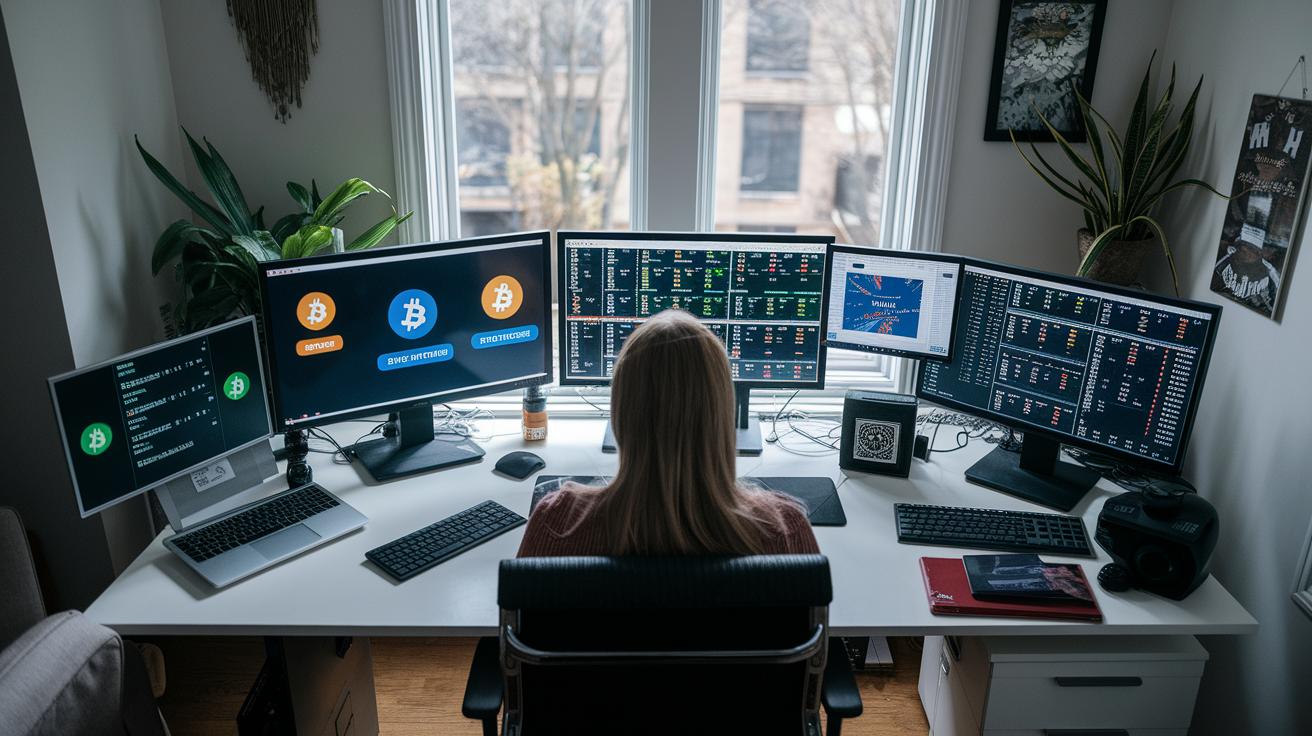
Imagine one tool that keeps a close eye on your entire crypto world. This smart tracker lets you monitor more than 300 wallets and exchanges, including familiar names like Binance, Trust Wallet, and even Ledger hardware (which is a secure device for storing your crypto). It pulls in data from over 20,000 cryptocurrencies and 1,000+ DeFi protocols (DeFi stands for decentralized finance, meaning finance without banks), giving you a clear look at your whole digital asset portfolio.
This platform does more than just track your wallet activity. It also follows exchanges and peer-to-peer transfers, keeping you informed about traditional transactions as well as newer decentralized finance actions. Plus, you'll get alerts about key changes, like when coins are staked (locked up for rewards), swapped (traded), or when liquidity (how easily an asset can be turned into cash) shifts. It’s like having a friend who nudges you whenever something important happens in the market.
Managing your investments is simple, too. You can keep multiple portfolios in check with ease. The free plan even lets you track up to 100 portfolios, while a premium upgrade opens the door to unlimited connections. This makes the tracker a great match for both casual crypto enthusiasts and seasoned investors.
Custom alerts deliver immediate updates when trade changes or unusual market moves occur. Whether you're monitoring tiny transfers or watching large token shifts, this dashboard gives you fast, clear information to help you make smart decisions with your digital assets.
Free vs. Premium Blockchain Transaction Tracker Options

The free plan gives you a friendly way to keep an eye on up to 100 portfolios. It sends basic alerts and uses simple risk scoring, think of it as getting a daily snapshot of your crypto’s heartbeat. It's a solid choice if you're just starting out or prefer a straightforward tool without extra bells and whistles.
Upgrade to a premium plan, and you'll open the door to more advanced features. You'll be able to track unlimited addresses, let multiple users check in, and dive into detailed analytics with dashboards you can customize. It’s like upgrading from a simple map to a full, interactive tour of your portfolio’s journey over time.
Final Words
In the action, we've explored how real-time monitoring works, compared top decentralized ledger tools, and walked through setting up a blockchain transaction tracker. We've seen how these tools secure your portfolio and keep your investments in check. The article explained the download-and-use steps and compared free versus paid options, giving you a clear view of risk management and market trends. Each insight is designed to empower you to build a more secure, smart digital asset portfolio. Stay proactive and keep tracking with confidence.
FAQ
What is a blockchain transaction tracker?
A blockchain transaction tracker is a tool that lets you view real-time transfers, wallet activity, and status updates by scanning the underlying blockchain ledger (see https://nftcellar.net?p=381).
How do I track my blockchain transaction?
Tracking a blockchain transaction means entering the transaction ID into a tracker or explorer, which then shows details like confirmations, fees, and timestamps for that specific transfer.
Can a blockchain transaction be traced?
Yes, every blockchain transaction is recorded on the public ledger, so using a tracker allows you to follow its history and see details such as sender, receiver, and amount.
Can blockchain transactions be reversed?
Blockchain transactions cannot be reversed once confirmed, as the records remain permanent on the ledger; only some unconfirmed transactions might be canceled under special network conditions.
Are blockchain trackers free to use?
Many blockchain trackers offer free access to basic features like transaction viewing and status checks, while advanced analytics, custom alerts, and extended histories may require a paid plan.
How do platforms like Blockchain.com, Ethereum explorers, Coinbase, Binance, Solana, and TrustWallet compare?
Each platform supports different networks and features. They all provide real-time transaction tracking and status updates, but differences arise in user interface, analytics, and additional security measures.
What is the difference between confirmed and unconfirmed transactions on a blockchain explorer?
Confirmed transactions have reached the required number of validations and are permanently added to the blockchain, while unconfirmed transactions are still waiting for enough verification to become final.
How can I track a crypto wallet address?
Tracking a crypto wallet address involves inputting the address into a blockchain explorer, which then displays the wallet’s history, balance, and details of incoming and outgoing transactions.
