
Ever thought about watching blockchain moves as they happen? The Sui blockchain explorer lets you see wallet actions, transactions, and more in real time, much like watching the live score at your favorite game. It breaks down every important detail live so that beginners and seasoned users alike can catch every verified event. Its fast and secure display of on-chain data (which means all the details recorded on the blockchain) helps you feel confident when you make smart, timely decisions.
sui blockchain explorer: Rapid Data Brilliance
The Sui blockchain explorer works like a digital window, letting you see live on-chain activity as it unfolds. You get to watch every wallet move and transaction in real time, ensuring you’re always in tune with the latest details. It shows information on transactions, tokens, NFTs, and validator events throughout the Sui network. Tools like SuiVision and Suiscan make it all clear, secure, and easy to use.
This tool also offers a handy transaction tracker and a real-time block tracker that give you quick insights into how the network is running. In other words, it acts like a navigator for your ledger, letting you follow your own activities along with the overall flow of the blockchain.
- transaction hash
- block height
- timestamp
- gas usage
- wallet address
Live data monitoring gives a real edge for everyone, from newcomers to experienced blockchain users. Seeing on-chain actions as they happen not only builds trust through transparency but also helps you make fast, well-informed decisions based on the steady pulse of verified events.
Advanced Chain Query Interface and Filters in Sui Blockchain Explorer

Both SuiVision and Suiscan are crafted to help you focus on exactly what matters on the blockchain. They come with search tools like filtering by transaction hash, block height, wallet address, token type, and even time range. This lets you break down on-chain info into neat, manageable chunks. SuiVision even lets you group results by token or wallet, and its sorting and pagination options make it easy to review past data without feeling overwhelmed.
Suiscan goes a step further. It offers smart-contract state lookups and special parameters for debugging, ideal for developers who need that extra detail. This tool isn’t just about managing accounts; it also works as a testing portal and a sandbox for users trying out simulated setups. In short, these features come together to provide an explorer that’s easy to use yet full of depth, fitting both casual explorers and more tech-focused investors.
Search by Transaction Hash
Type in a unique transaction hash and you’ll immediately pull up the detailed data of that transaction. It shows you exactly how and when the transaction happened.
Filter by Block Height
Set a range of block heights when searching, and you can quickly zero in on historic transactions that match your chosen numbers.
Lookup by Wallet Address
Enter a wallet address to get a full history of all activities tied to that account, from token movements to various interactions.
Network Monitor Dashboard and Analytics Metrics in Sui Blockchain Explorer
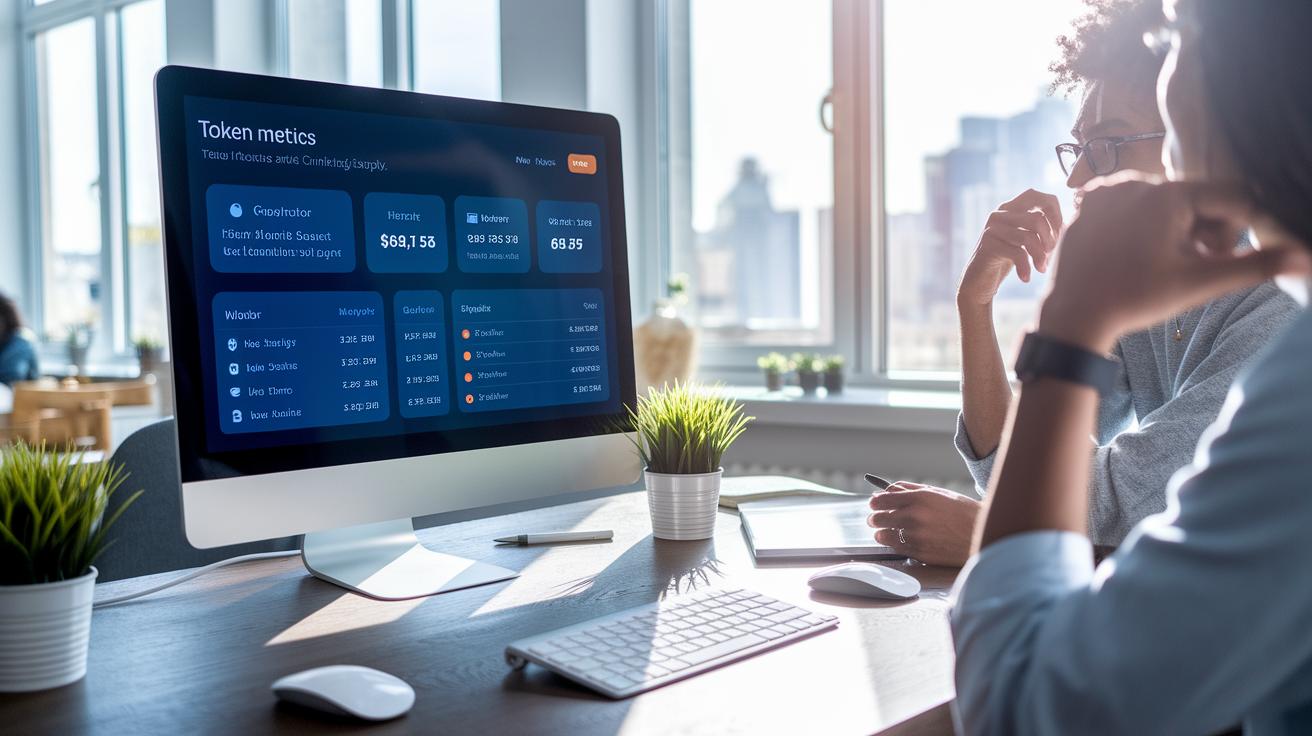
SuiVision’s dashboard gives you a friendly look at key token details that anyone can understand at a quick glance. It pulls together important numbers like token holder counts, the total circulating supply, token age, and wallet concentration. Think of it as a snapshot that shows just how active the tokens are on the network. Plus, the asset pricing index lets you see the real-time value of tokens, so you quickly feel the market’s pulse.
The explorer also does a great job by offering easy-to-read validator summaries and a view of community participation. It breaks down staking stats and shows you which validators (the network’s trusted keepers) are working hard to keep everything secure. And with the consensus monitoring tool, you get live updates on the network’s rhythm, along with clear alerts if there’s any change in how transactions are confirmed.
DeepBook and Noodles Finance metrics join forces with marketplace analytics to track on-chain nft activities. This section of the dashboard provides price charts for major tokens and reports on network throughput, making it simple to follow not only token movements but also the broader trading trends. In short, these combined insights help everyone, from casual observers to market watchers, get a clear picture of what’s happening on the Sui network.
Comparing SuiVision and Suiscan Block Verifier Tools

In today's fast-changing block world, SuiVision and Suiscan have stepped in to fill the gap left by the old official explorer. They each bring their own perks for everyday users and tech-savvy investors. One tool dives deep with advanced analytics and even offers token swaps, while the other is all about fast block lookups and smooth debugging.
SuiVision
Developed by BlockVision, SuiVision boasts a clean and friendly interface that makes exploring data a breeze. It even supports token swaps via its built-in Slush Wallet, giving you a richer look into the ecosystem. Users love how it keeps things simple even when tracking complicated transactions, making digital asset management both engaging and clear.
Suiscan
Suiscan takes a different approach. This tool is lean and perfect for developers who need to check blocks quickly. It offers speedy lookups and smart-contract debugging with clear RPC error tracing (RPC stands for remote procedure call, which helps computers talk to each other). Its straightforward design means you can zero in on issues without any extra clutter, making it ideal for focused technical support.
| Feature | SuiVision | Suiscan |
|---|---|---|
| Interface | Clean and intuitive | Lightweight and responsive |
| Analytics | In-depth insights | Efficient and basic |
| Swap Capability | Integrated token swaps | Not available |
| Developer Tools | Comprehensive | Advanced debugging support |
Both platforms play important roles. SuiVision is great if you want rich data and a visually engaging experience, while Suiscan is perfect if speedy, developer-friendly performance is your top priority.
Developer Integration and API Access via Sui Blockchain Explorer

Developers who want to pull blockchain explorer data into their apps will really appreciate SuiVision’s wide range of API endpoints. They offer both RESTful endpoints (simple ways to get data via standard web calls) and a GraphQL API (a flexible query language that lets you pick exactly what you need). This means you can check transactions and follow token movements with ease. And if you need to peek at smart contract details or catch error logs as they happen, Suiscan’s RPC interfaces have got you covered.
Working with SDK access is just as straightforward. The developer kit makes it a breeze to blend on-chain data into your decentralized apps. Clear tutorials show you how to set up node endpoints (the gateway to blockchain networks) and integrate APIs into your current systems. These guides cut down on setup hassles and help you create robust apps that offer live blockchain analytics and clear data. In short, this integration opens the door to smooth innovation and growth.
You can also dive into testnet environments provided by both explorers. These setups come with faucets (free tokens for testing), sandbox networks, and CLI tools (command-line tools) that mimic real network conditions without risking your actual assets. Helpful guides walk you through the configuration process so you can try out new features and verify your integrations before going live. This careful preparation ensures a smoother transition when you deploy your application.
When it comes to spotting errors and keeping your apps strong, best practices make all the difference. Suiscan aids in smart-contract debugging by offering clear RPC error logs that help you quickly pinpoint issues. Developers can count on these insights while using supported smart contract testing frameworks (tools designed to safely test smart contracts). This proactive approach cuts down on downtime and boosts overall system reliability, setting the stage for continuous improvement.
Tutorials and FAQs for Effective Use of the Sui Blockchain Explorer

The Sui blockchain explorer is loaded with easy-to-follow guides that help you make the most of its features. It explains how to keep your account safe with a secure sign-on, and it works like a digital asset buddy that lets you start exploring blockchain activities without any fuss.
Step-by-step instructions show you how to set up Slush Wallet, connect it to the explorer, and allow account access with clear, simple steps. You'll also see how to search for a transaction, check your wallet balance, and even export CSV reports for later review. This all helps ensure that signing in and accessing the platform on your mobile feels smooth and worry-free.
The FAQs cover everyday questions too. They explain issues like failed queries, network timeouts, sync problems, and even gas estimation errors (gas estimation is just the system figuring out how much a transaction might cost). These tips use plain language so you can quickly fix little hiccups. And there’s a legal note that reminds you the info is for learning only, not professional advice. In short, these tutorials and FAQs are here to support both newcomers and experienced users alike.
Final Words
In the action, the blog highlighted key features of the sui blockchain explorer. It covered real-time transactions, smart query filters, detailed network analytics, and comparisons of block verifiers. The guide also discussed API integration and easy-to-follow tutorials that offer quick fixes for common issues.
These insights help create secure, diversified digital asset strategies and keep you ahead in a fast-changing market. Embrace live data monitoring and let the sui blockchain explorer empower your digital investment efforts with clarity and confidence.
FAQ
Sui blockchain explorer price
The Sui blockchain explorer price refers to the cost structure for accessing on-chain data. Typically, these tools are free, offering real-time visibility into transactions and blocks without additional fees.
Sui blockchain scan
The Sui blockchain scan describes the process of reviewing live network data. It lets users quickly see transactions, wallet movements, and token transfers happening across the Sui network.
Sui blockchain explorer app
The Sui blockchain explorer app serves as a mobile-friendly version of the explorer. It gives users the ability to check transactions, wallet details, and token activities directly from their mobile devices.
Sui explorer api
The Sui explorer API provides developers with access to live on-chain data using both RESTful endpoints and GraphQL queries. This API integration supports building apps that need real-time blockchain insights.
Sui explorer testnet
The Sui explorer testnet refers to a testing environment within the explorer. It offers developers a secure area to experiment with features and view network behavior before trying new updates on the main network.
Sui wallet
The Sui wallet is a digital tool for securely managing tokens on the Sui blockchain. It aids in handling wallet transactions and monitoring asset movements, ensuring users stay connected with live network data.
Sui scan testnet
The Sui scan testnet indicates a version of the blockchain explorer optimized for test environments. It allows developers to safely track transactions and debug without impacting the main network.
Sui transactions
The Sui transactions capture individual operations on the blockchain. Each transaction includes details like a unique hash, block height, and gas usage, making it easy to monitor network activity in real time.
